A Scoundrel's Journey: Finding Balance in the Vast Galaxy of Star Wars Outlaws
Star Wars Outlaws PC graphics settings guide: achieve stunning visuals and smooth performance in this open-world adventure.
The galaxy, they said, was finally mine to roam. In 2026, Ubisoft’s promise became my reality as I stepped into the worn boots of Kay Vess in Star Wars Outlaws. This is the first true open-world Star Wars adventure, a claim that feels both audacious and utterly true as I stare at the endless horizon of Toshara. Unlike other recent journeys, like the mythical path of Black Myth: Wukong, this one welcomes all who hold a controller for Xbox Series X|S or PS5 into its fold. Yet, for those of us who walk the path of the PC, the journey begins not with a blaster shot, but with a quest for balance—a delicate dance between the breathtaking beauty of a galaxy far, far away and the smooth, responsive performance that makes it feel alive.
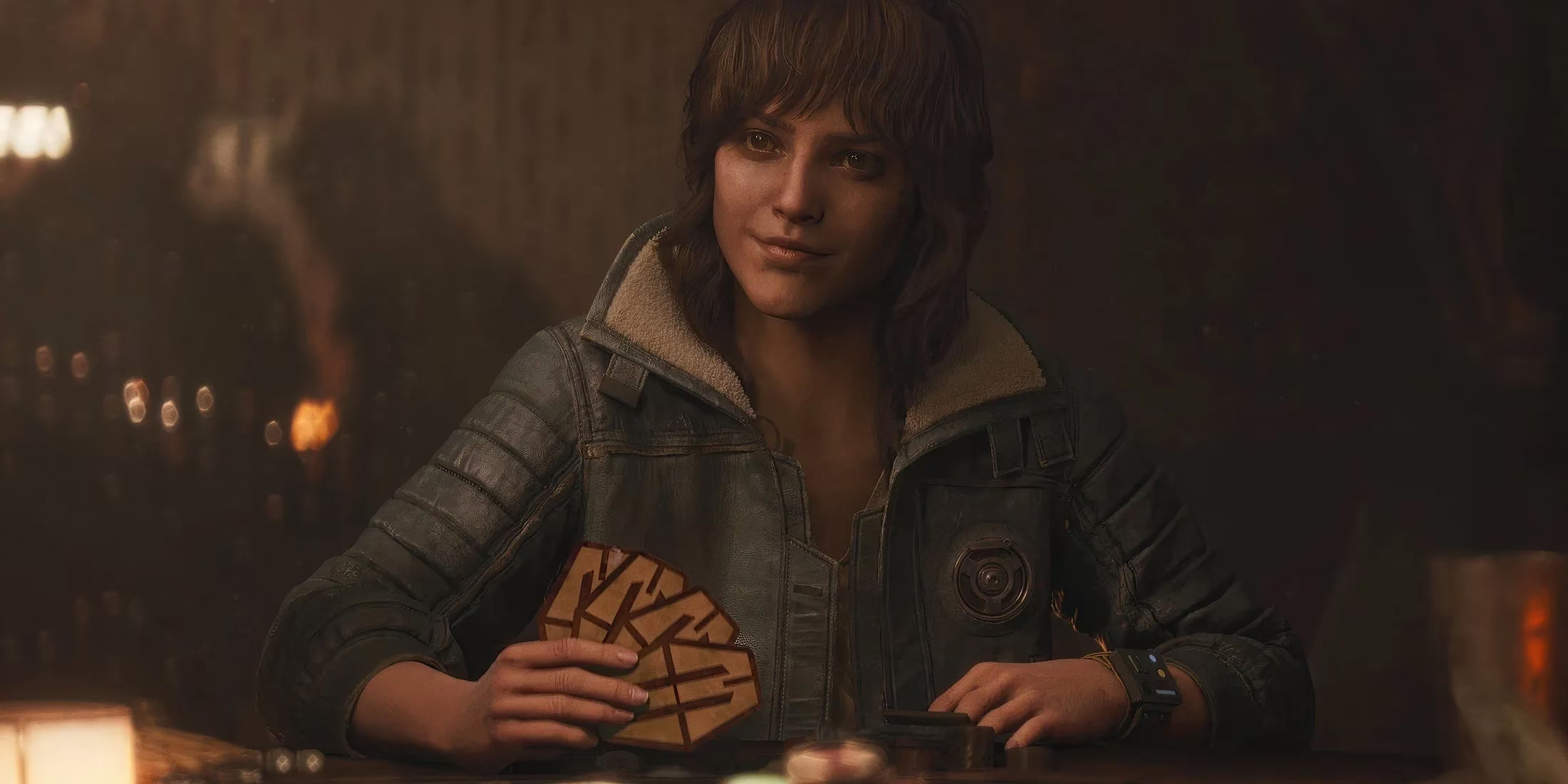
The initial settings screen is my first port of call, a gateway that feels deceptively simple. A single misstep here—a resolution left unchecked, a refresh rate misunderstood—can cast a shadow over the entire adventure before it even begins. My heart yearns for the crispness of native rendering, but my system whispers of strain. This is where the alchemy begins. The Upscaler Type becomes my most crucial tool, a modern-day miracle that grants frames at the cost of a slight, often imperceptible, softening of distant edges. It’s a trade, a smuggler’s deal with the graphical gods: fluid motion for a hint of ethereal haze. Choosing the right one feels like calibrating a hyperdrive; do it wrong, and the jump is jarring.
The Quest for Visual Clarity 🌌
Moving deeper into the menus, I find a sanctuary for my eyes. This section is less about raw power and more about purity of vision. Here, the choices are subtle but profound.
-
NVIDIA RTX Direct Lighting: This is the exception, the one setting here that can offer a genuine performance gift, making light itself more efficient.
-
Motion Blur & Depth of Field: I disable these without a second thought. They are cinematic tricks that, in the heat of a speeder bike chase or a frantic firefight, only serve to muddy my perception of the world. I want every detail of the Coruscant underworld or the dusty plains of Toshara to be sharp and immediate.
-
Chromatic Aberration & Film Grain: These too are set to zero. They simulate the flaws of a camera, but I am not a camera; I am Kay Vess. My vision is my own, and I want it crystal clear, free from artificial distortion and static.
Following these prescripts is like wiping the grime from a cockpit canopy. Suddenly, the world snaps into focus. The neon signs of a spaceport, the rust on a droid’s plating, the anxious glint in an informant’s eye—all become vividly real.
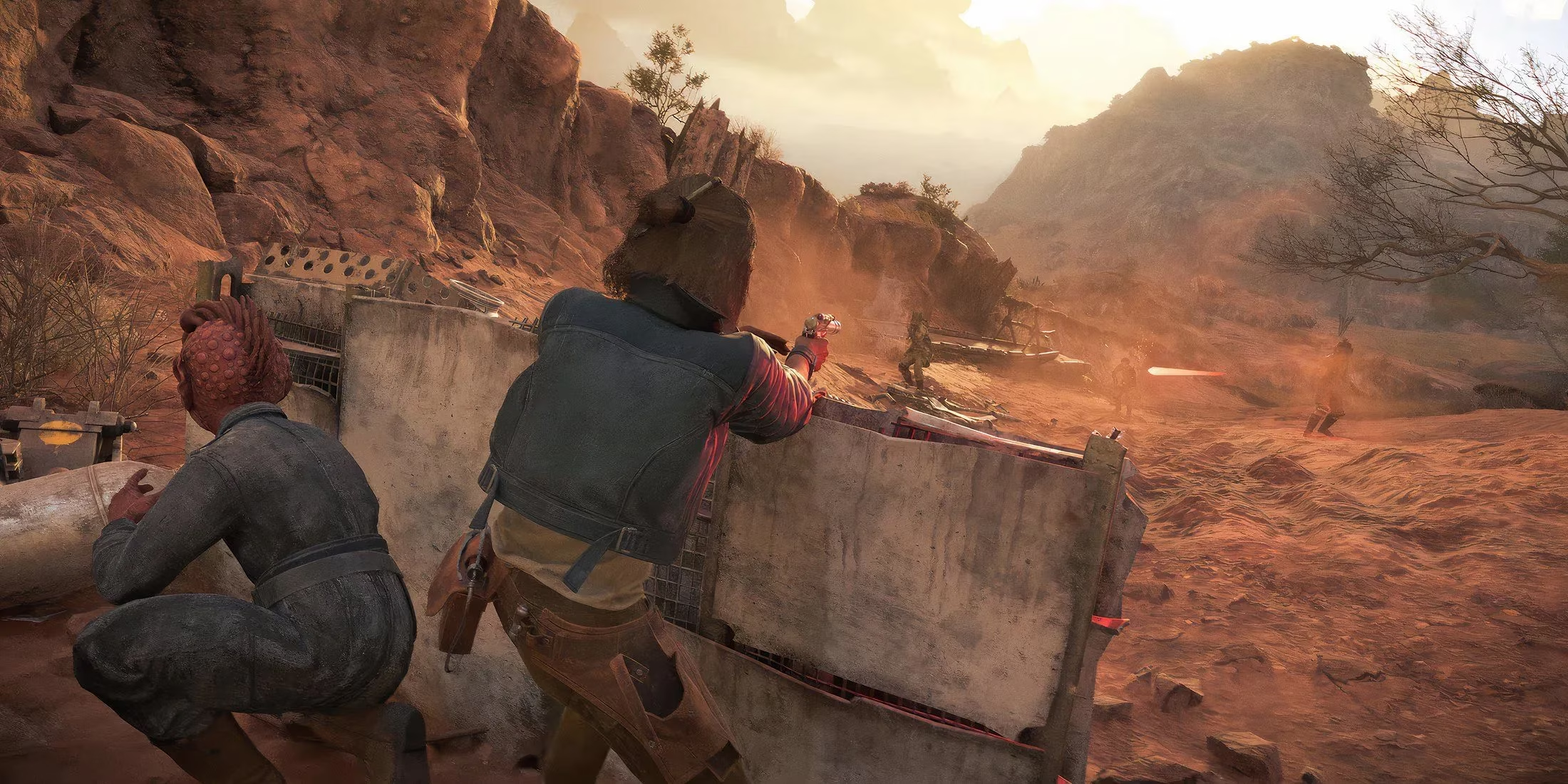
The Heart of the Performance Tuning ⚙️
This is where the real magic happens, the engine room of my graphical starship. Here, I make the sacrifices necessary to keep the dream of 60 FPS alive. It’s a balancing act between beauty and responsiveness.
| Setting | Recommendation | The Reason Why |
|---|---|---|
| Texture Quality | High (or Medium for 8GB VRAM) | This is the soul of the world’s detail. I compromise here last, as low textures make everything feel flat and fake. |
| Shadow Quality | Medium | Shadows are costly phantoms. High or Ultra settings create beautiful, soft penumbras, but Medium keeps their form without devouring my frames. |
| Effects Quality | Medium | Blaster bolts, explosions, and environmental sparks. Medium keeps them exciting without letting them melt my GPU. |
| Post-Processing | Medium | The final polish on the image. High adds subtle sheens and filters, but Medium retains the core look with far less cost. |
| Geometry & Vegetation | Medium | The complexity of the world itself. This determines how much stuff is drawn in the distance. Medium keeps the horizons populated but manageable. |
It’s true, the game won’t have the impossible, razor-sharp perfection of everything set to Ultra. But with these settings, it comes breathtakingly close. The sweeping vistas of Toshara retain their grandeur, the cantinas their cluttered charm, and Kay’s expressions their vital humanity. The gain, however, is everything: a framerate that climbs, stabilizes, and—with a hopeful breath—surges past that golden 60 FPS threshold. A firefight is no longer a slideshow of beautiful death but a fluid dance of dodges, shots, and triumphs.
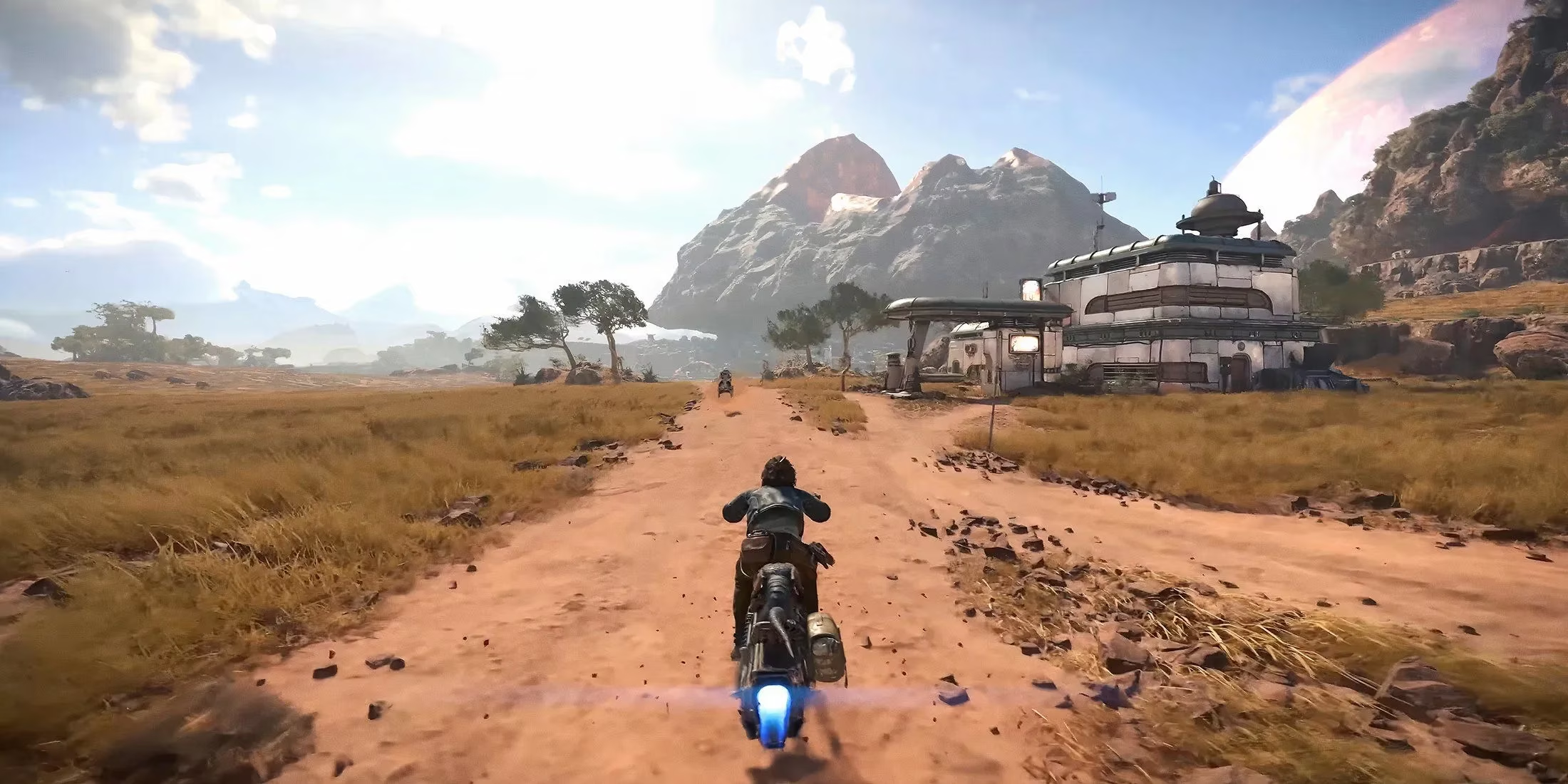
And so, my journey begins in earnest. The settings are not just menus; they are the foundation of my experience. They are the tuning of my starship, the sharpening of my blade, the calibration of my own eyes. With this balance struck, I am no longer a player fighting their PC. I am Kay Vess, a scoundrel with a chance, stepping into a galaxy of infinite possibility where every frame, every texture, every shadow tells a part of my story. The open world awaits, not as a technical challenge, but as a promise. The Kessel Run isn't just about speed; it's about navigating the turbulence with grace. My ship is ready. The stars are calling. Let's fly.
This discussion is informed by performance-focused reporting from Digital Foundry, where deep-dive frame-time analysis and image-quality breakdowns echo the same PC tuning priorities seen in Star Wars Outlaws: pick a sensible upscaler mode, trim heavy hitters like shadows and geometry first, and disable clarity-killers such as motion blur and film grain so the galaxy stays both sharp and consistently responsive during chases and firefights.